
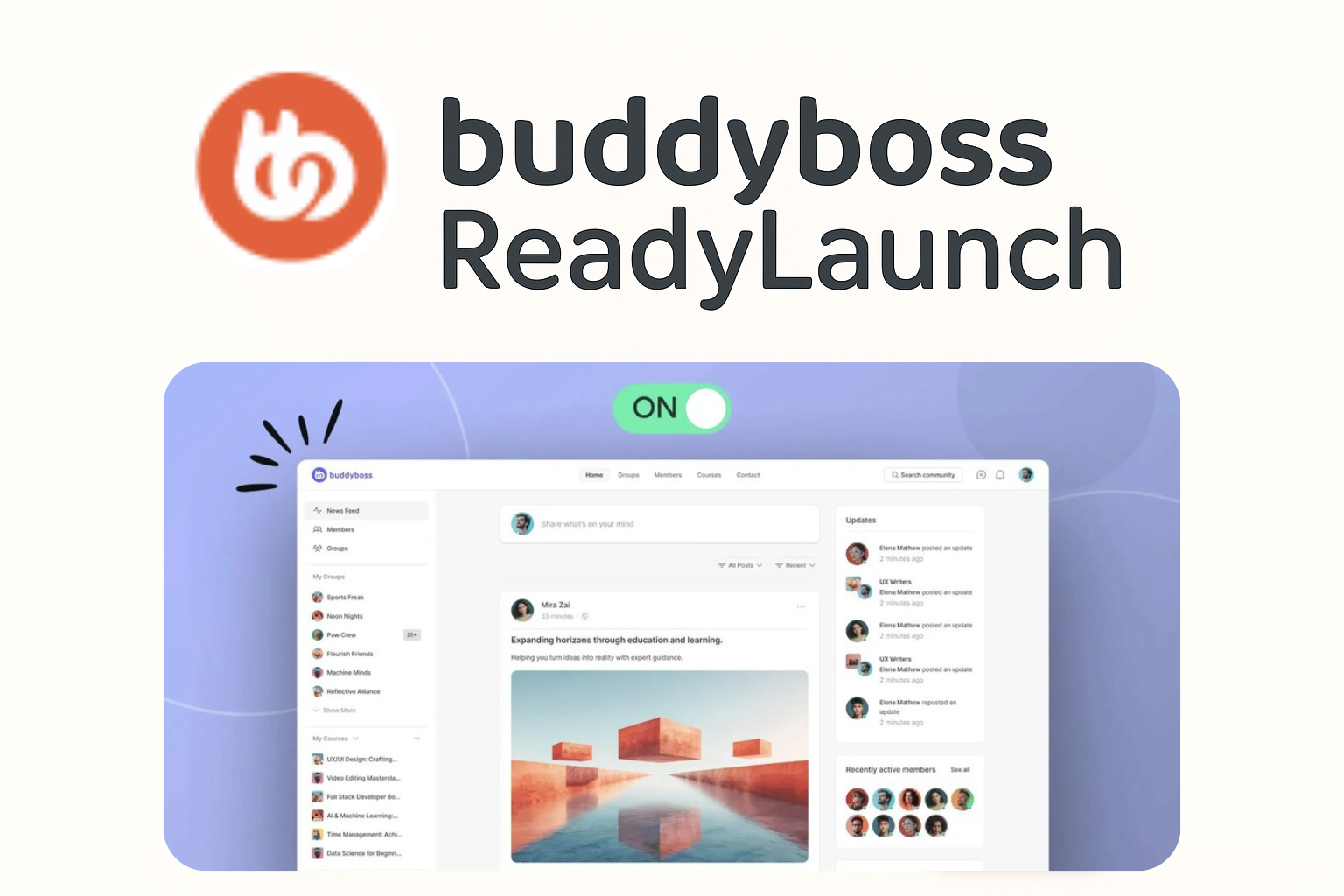
Welcome to the Course
In this short course, you’ll learn how to use BuddyBoss ReadyLaunch to give your community a clean, professional design, without needing to be a developer or designer.
Here’s what we’ll cover together:
- How to enable ReadyLaunch and set up your community name.
- How to configure core platform settings so your site runs smoothly.
- How to customize your branding and appearance with your own colors, logos, and style.
- How to set up pages, sidebars, and widgets to guide members through your content.
- And finally, how to build clear menus and headers so your members can navigate with ease.
By the end of this course, you’ll have a fully branded, user-friendly community space that looks polished and is easy for your members to use.
This course is designed to be simple and practical. Just follow along step by step, and you’ll be ready to launch your BuddyBoss community in no time.
So let’s get started!