Setting Up the Header Menu
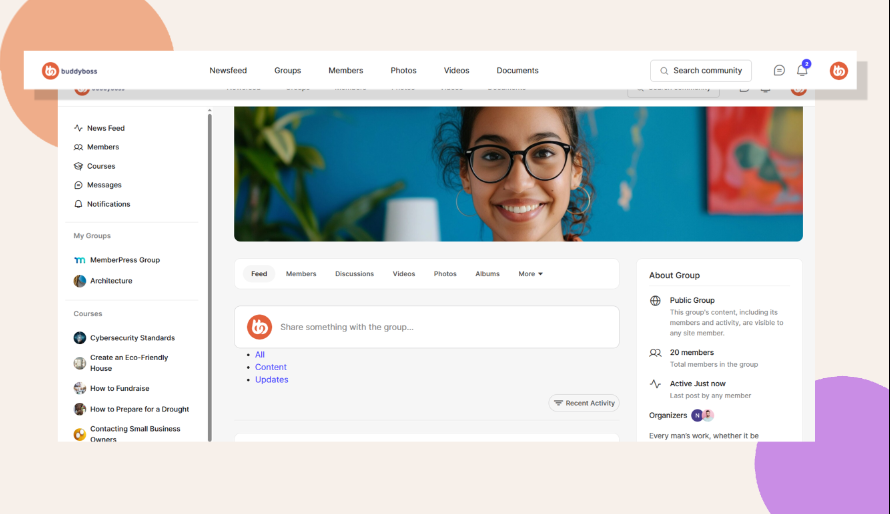
Learn to configure your app’s top navigation menu so members can quickly access the most important sections of your community.
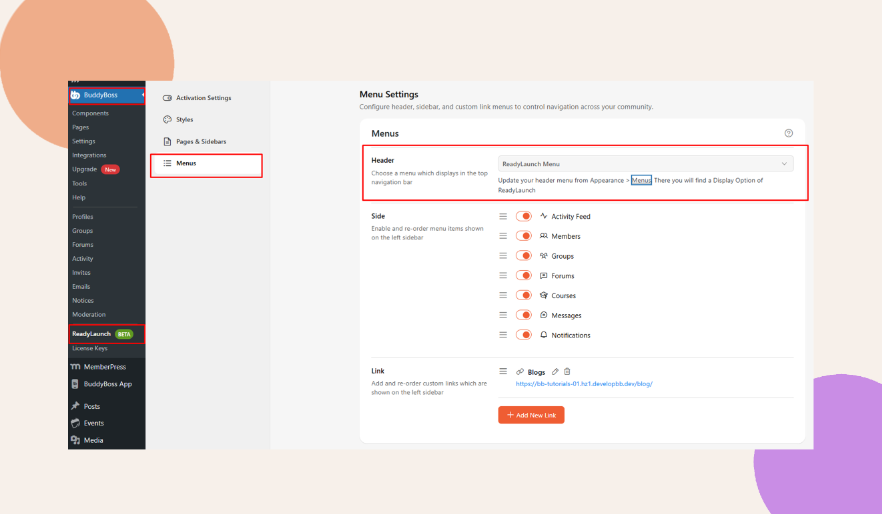
1. Go to the ReadyLaunch > Menus > Menu Settings > Header.
2. Choose the type of menu that you want to use as your Header menu. (e.g., ReadyLaunch Menu).
3. You can also create or update your menu by going into your WordPress Dashboard > Appearance > Menus, or by clicking the Menu hyperlink.