
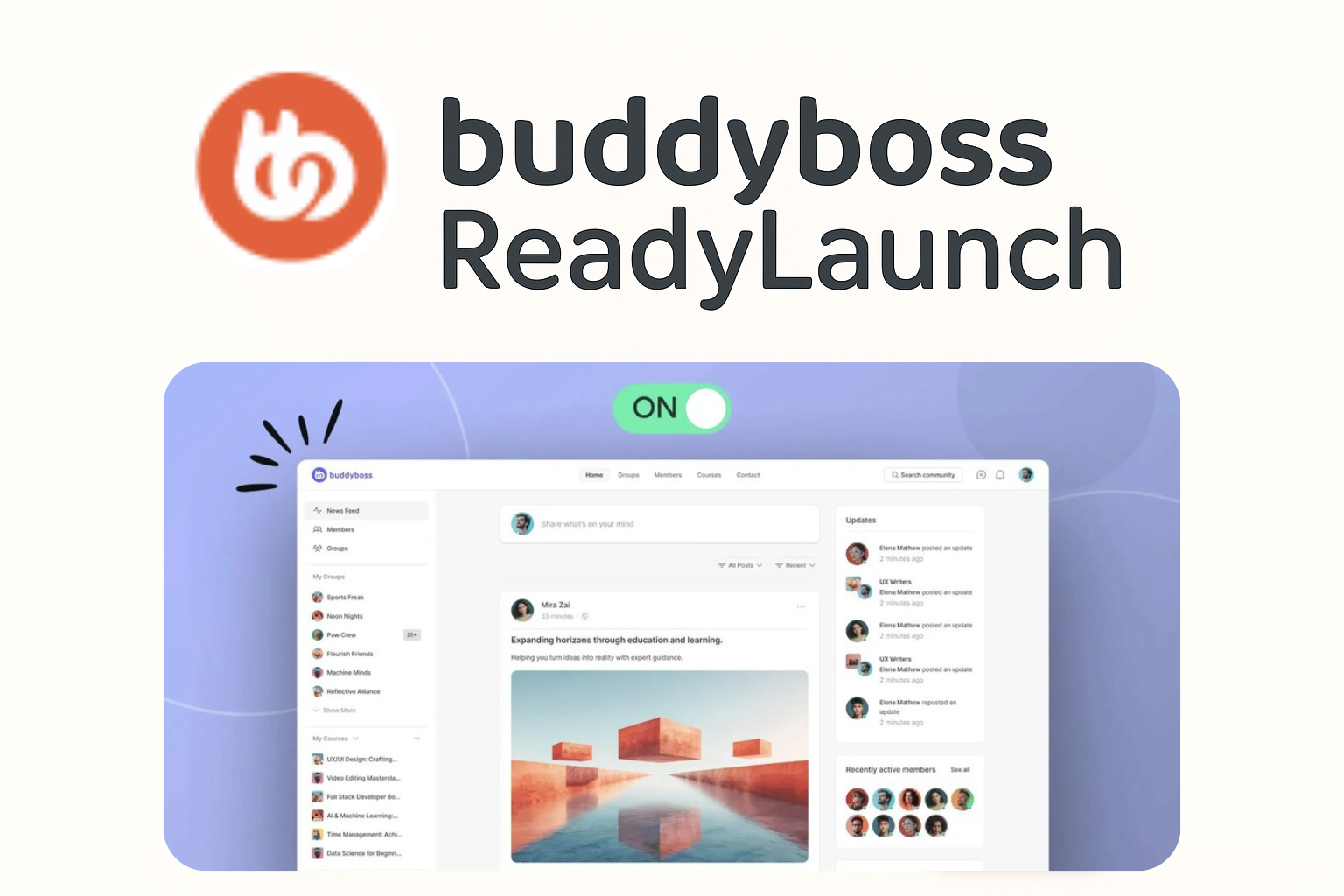
Enable ReadyLaunch Styling in Pages
See how to activate ReadyLaunch’s clean, modern layouts on key pages like login, registration, and courses. This ensures the most important areas of your app look polished.
Enable ReadyLaunch Styling in Pages:
1. Go to ReadyLaunch > Pages & Sidebars > Pages.
2. Find the page(s) you want to style, such as Login & Registration or Courses.
3. Switch the Enable Pages toggle to On for each selected page.
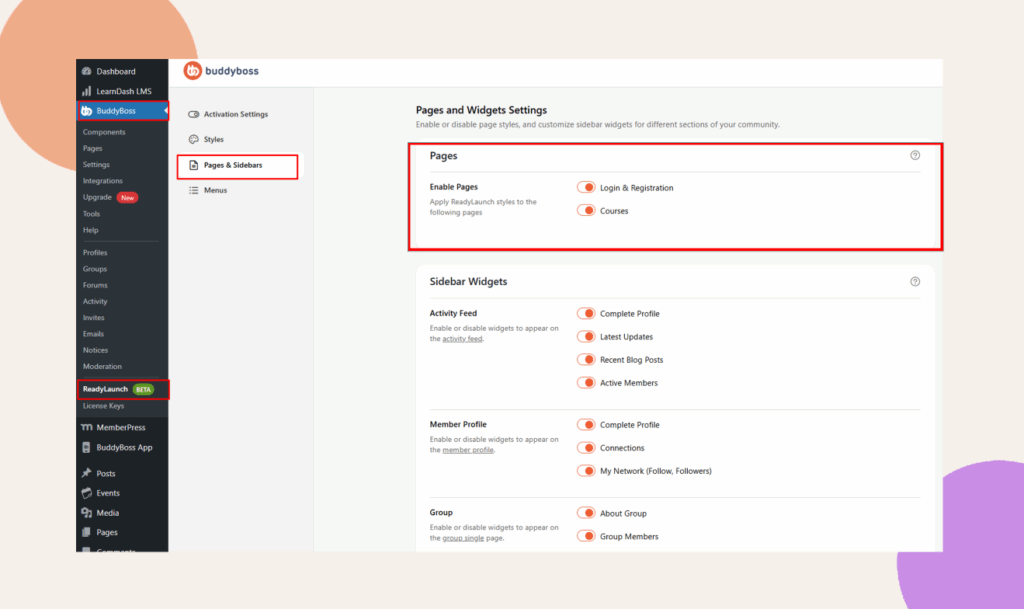
Note: ReadyLaunch is designed to style just the key community pages, giving them a clean and modern layout right away. At this stage, it doesn’t support every page on your site or partial enabling, so what you see is simplified on purpose to keep things consistent and easy for your members.
You’ll only see the Login & Registration page option if user registration is enabled in your site settings under BuddyBoss > Settings > General Settings.
And for the Courses page to appear, you’ll need to have an LMS plugin like LearnDash or MemberPress Courses installed and activated on your site. Without those, the option won’t show up in ReadyLaunch.