
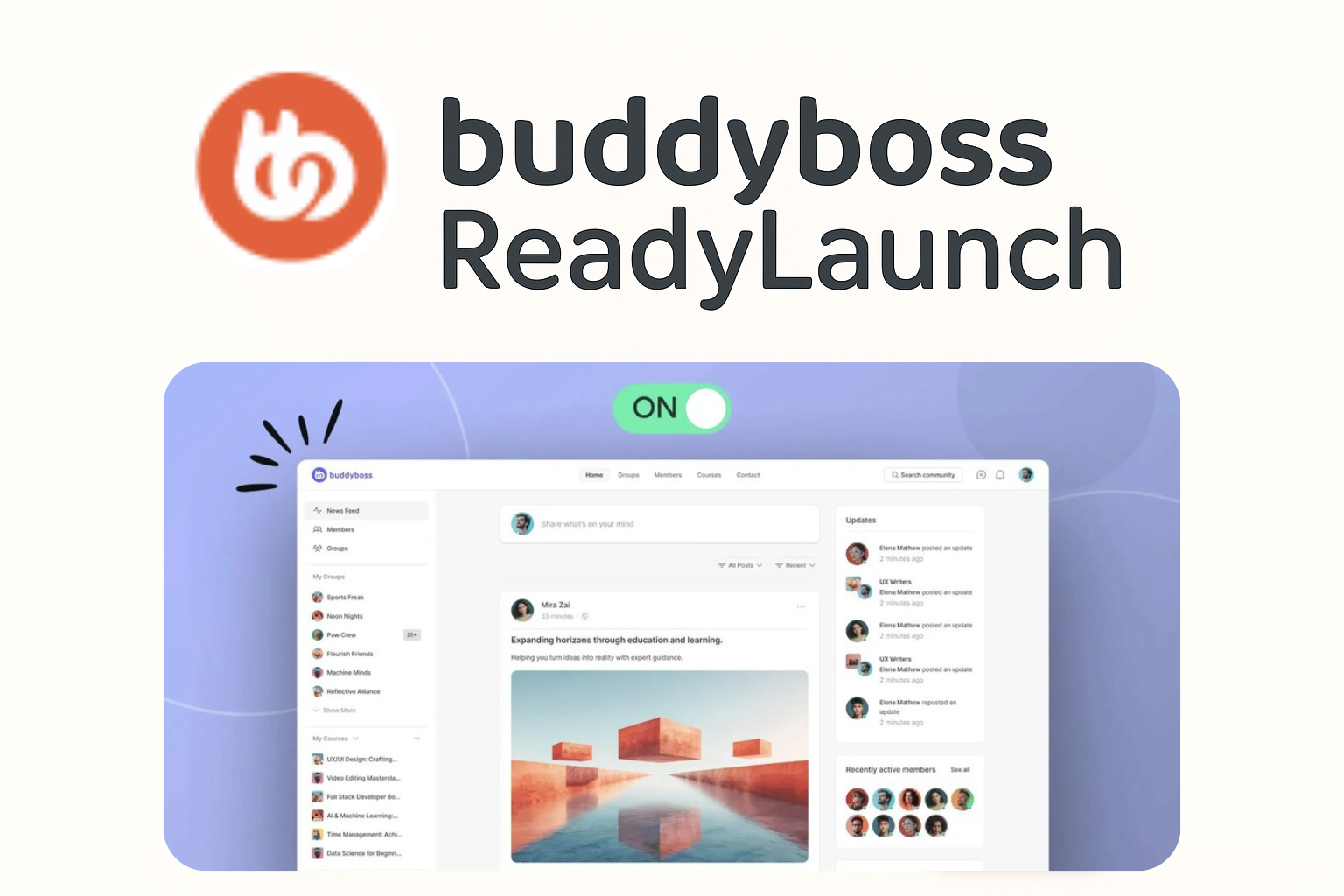
Enable ReadyLaunch
The first step to using ReadyLaunch is turning it on. By default, your site runs on your theme’s styling, but with one toggle, you can instantly activate the ReadyLaunch design. This ensures all community features (feeds, profiles, groups) have a consistent, modern look right out of the box.
Steps:
1. In your WordPress Admin, navigate to BuddyBoss > ReadyLaunch > Activation Settings.
2. Toggle the Enable ReadyLaunch switch to on.
