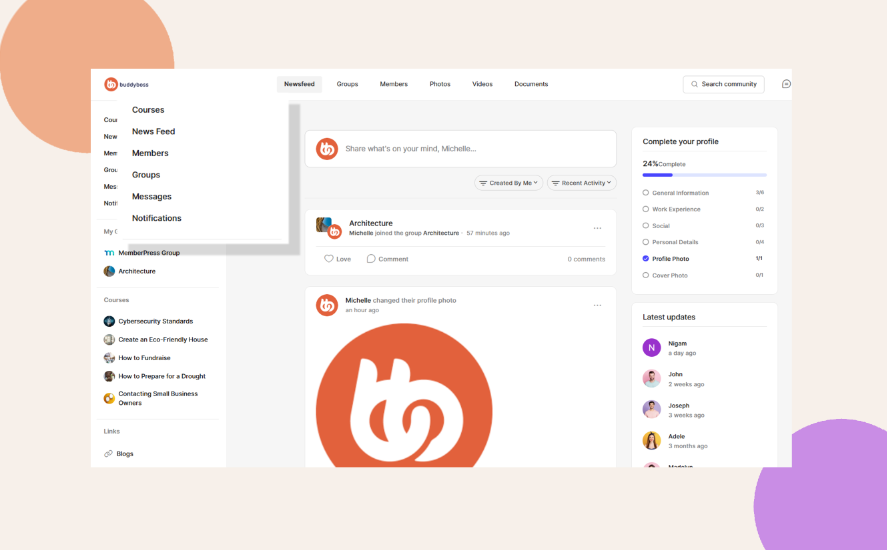
Configuring the Sidebar Menu
Control which links appear in the sidebar and reorder them to improve usability. A well-structured sidebar helps members find what they need faster.
Configure the Sidebar Menu
1. Go to ReadyLaunch > Menus > Menu Settings > Side.
2. Turn sidebar links on or off using the toggles for:
- Activity Feed
- Members
- Groups
- Courses
- Forums
- Messages
- Notifications
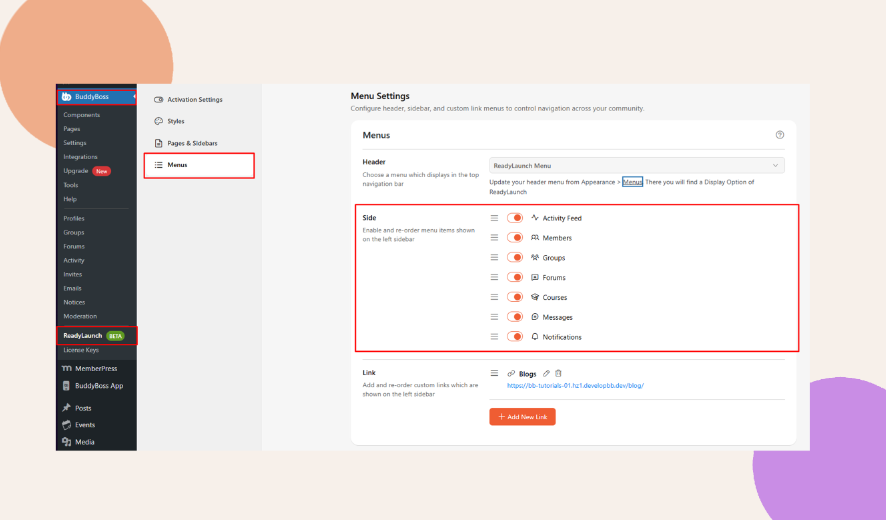
3. Drag and drop the items to arrange them in the order you prefer.