Customizing the App Navigation Header
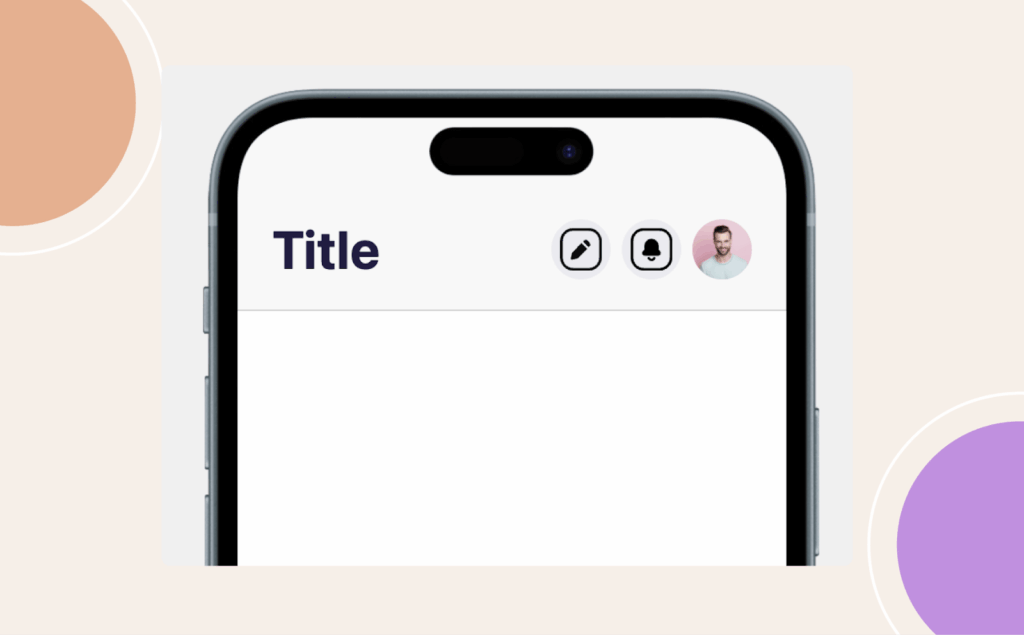
The navigation header at the top of your app helps orient users and reinforces your brand identity.
- In WordPress Admin, go to BuddyBoss App > Menus > Header Bar.
- Choose Default or Custom header style.
- Adjust elements such as:
- Header Color → match your brand palette.
- Font Color → ensure readability.
- Header Color → match your brand palette.
- Enable or disable header elements like:
- Search icon
- Menu icon
- Custom buttons
- Search icon
- Click Save Changes and preview the updates in real-time.
A polished header improves both usability and brand consistency.