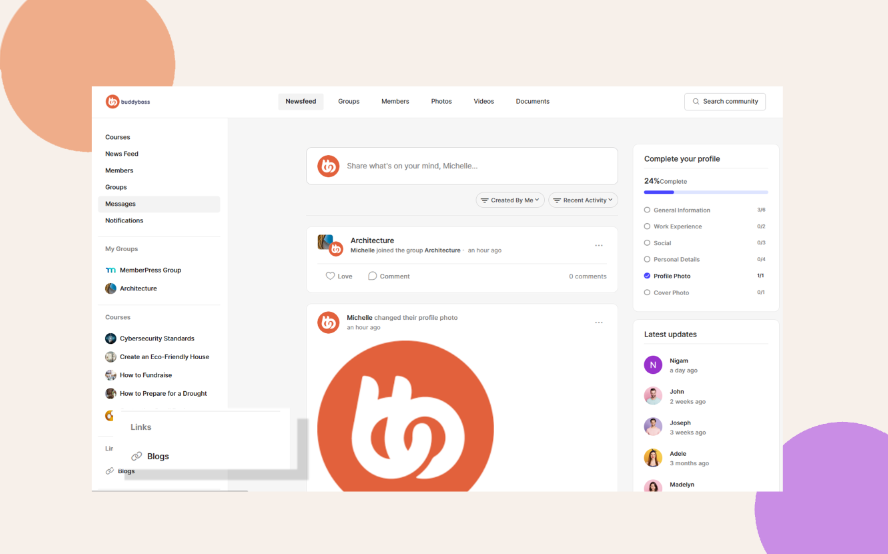
Adding Custom Sidebar Links
Expand your navigation by adding custom links to internal or external pages. This gives you the flexibility to guide members to valuable resources beyond default options.
You can expand your navigation by adding links to internal or external pages.
1. Go to ReadyLaunch > Menus > Menu Settings > Link.
2. Click + Add New Link.
3. Enter the Label (the text shown in the menu) and the URL for your link.
- Example:
- Label: Test Link
- URL: https://www.google.com
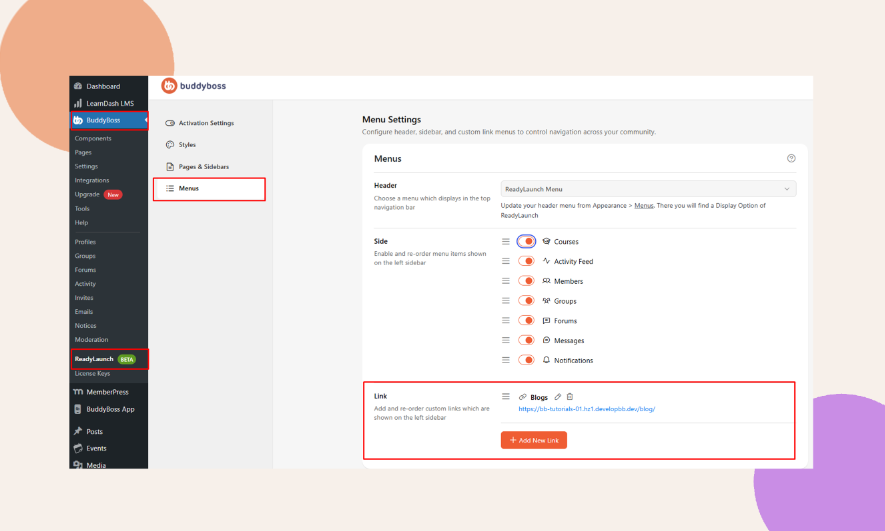
4. Use the icons next to each link to edit or delete them anytime.