
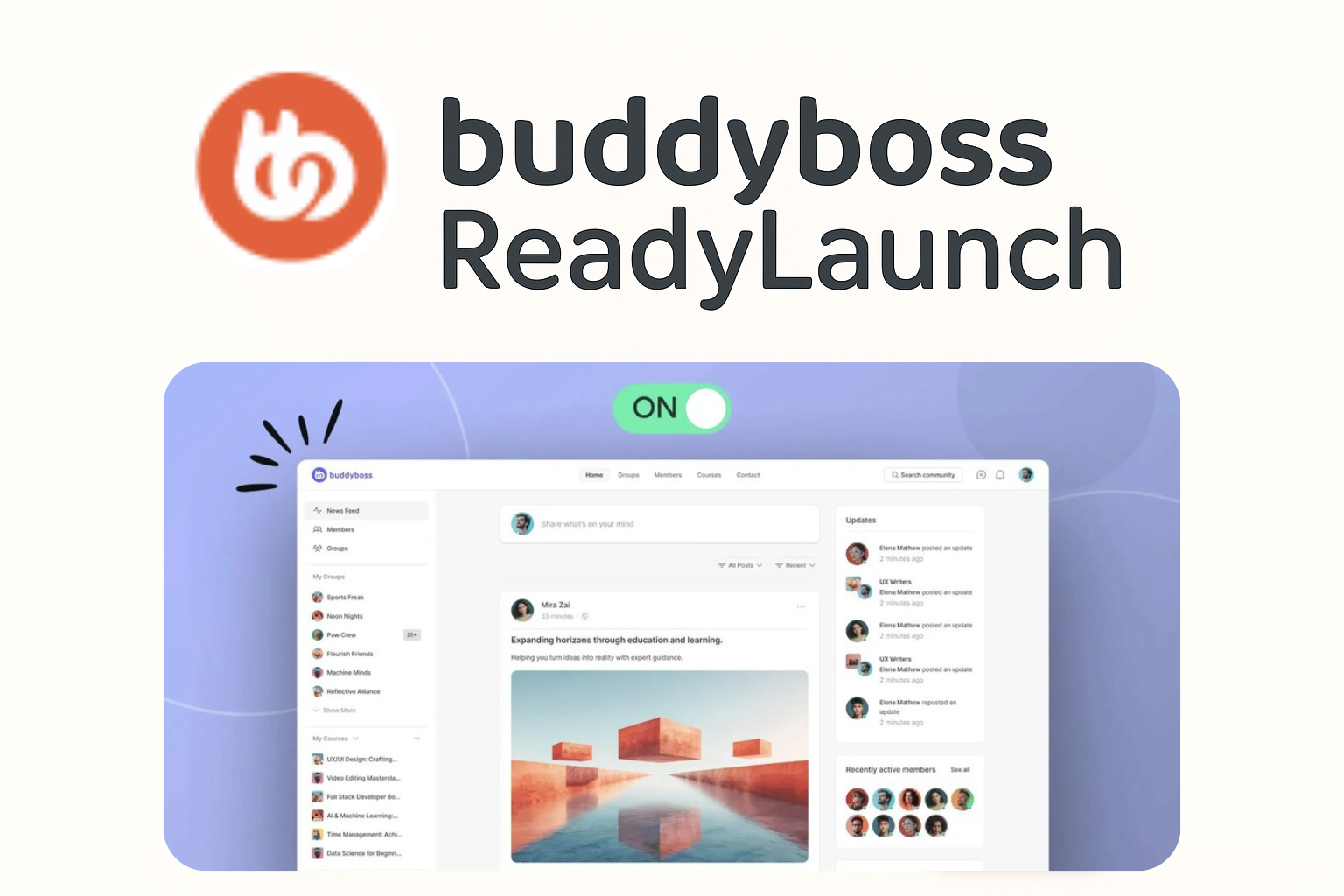
The Quick-Start Guide to BuddyBoss ReadyLaunch
Get your community site looking professional in minutes with BuddyBoss ReadyLaunch. In this course, you’ll learn how to set up and customize ReadyLaunch to instantly give your BuddyBoss Platform a modern, branded look, no coding required. We’ll walk you through configuring your site’s appearance, logos, colors, pages, widgets, and navigation menus, so you can create a polished, user-friendly experience that matches your brand.
Welcome Users
Introduction to the BuddyBoss ReadyLaunch
Getting Started with BuddyBoss ReadyLaunch
Core Platform Configuration
Branding & Visual Appearance
Pages, Sidebars & Widgets
Menus & Navigation Setup
Course Wrap-Up