

Naming Your App
Your app name appears on devices and in app stores. Choose one that’s brand-aligned, unique, and easy to search.
- In WordPress Admin, go to BuddyBoss App > Configure > General.
- Enter your App Name.
- Choose a name that is: Unique, Brand-aligned, and Easy to search
- Click Save Changes.
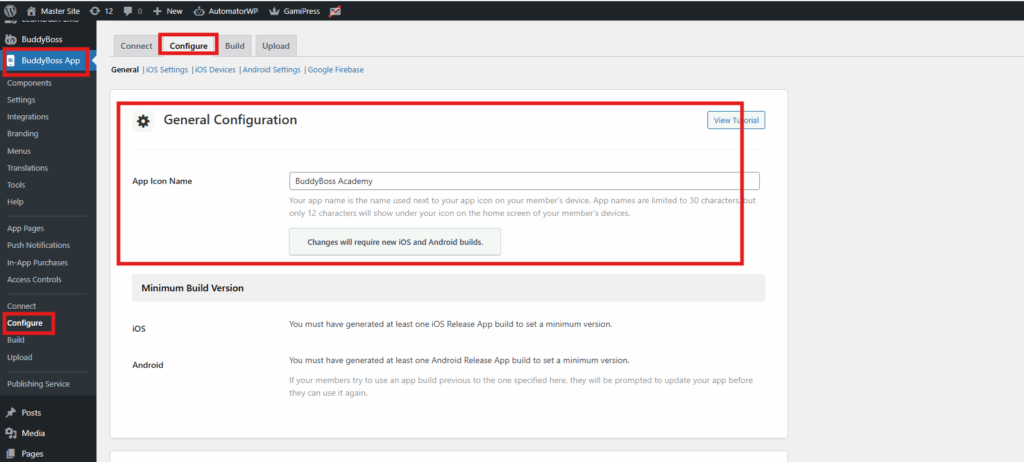
Note: If you plan to update the name in the future, it will require new iOS and Android builds.